Your personal space and your businesses
How workspaces work, how to create a business and how to switch between them.
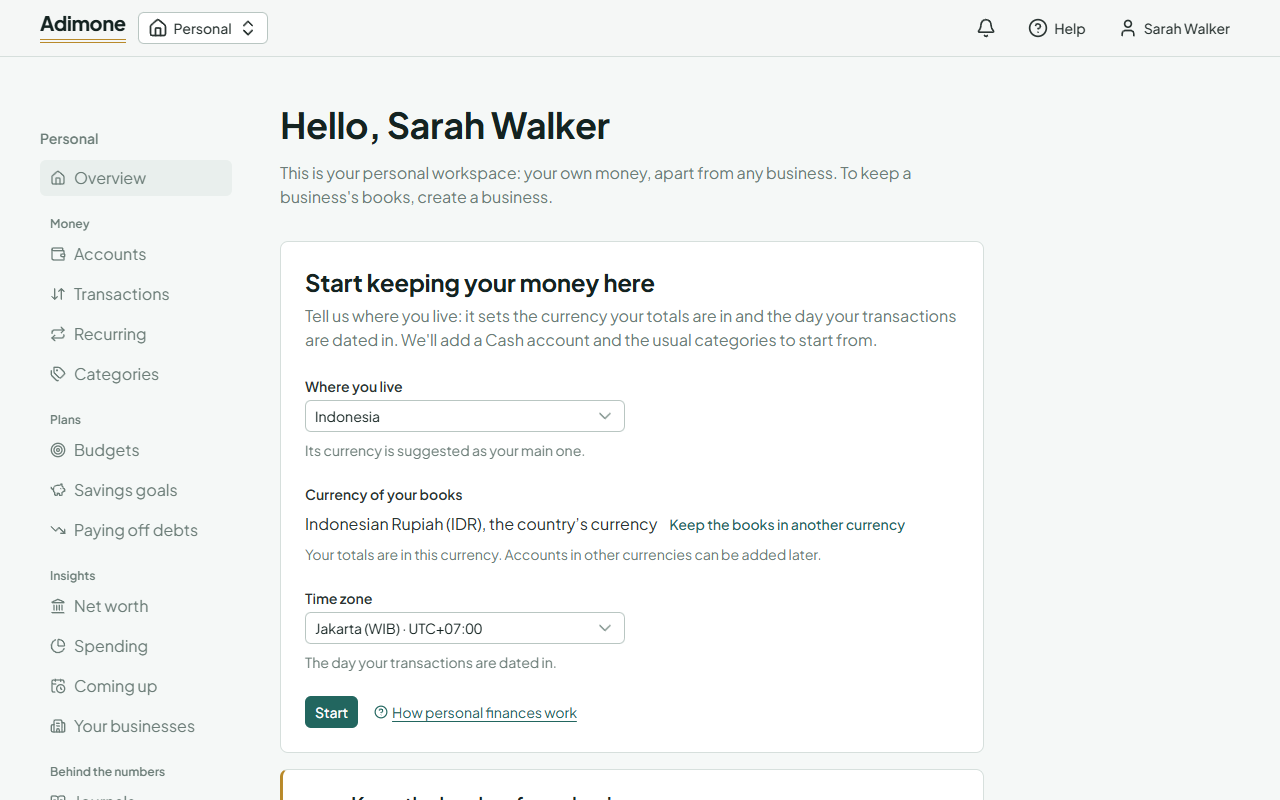
Everything in Adimone lives in a workspace. You have two kinds:
- Personal: made for you when you sign up, for your household money. It's free and only you can see it.
- Business: the books of one business, with its own members, roles and subscription. You can own several and work in others.
Keeping them apart is how you separate business money from personal money.
Create a business
- In your personal workspace, choose Create a business (or open the workspace switcher at the top and choose Create a business).
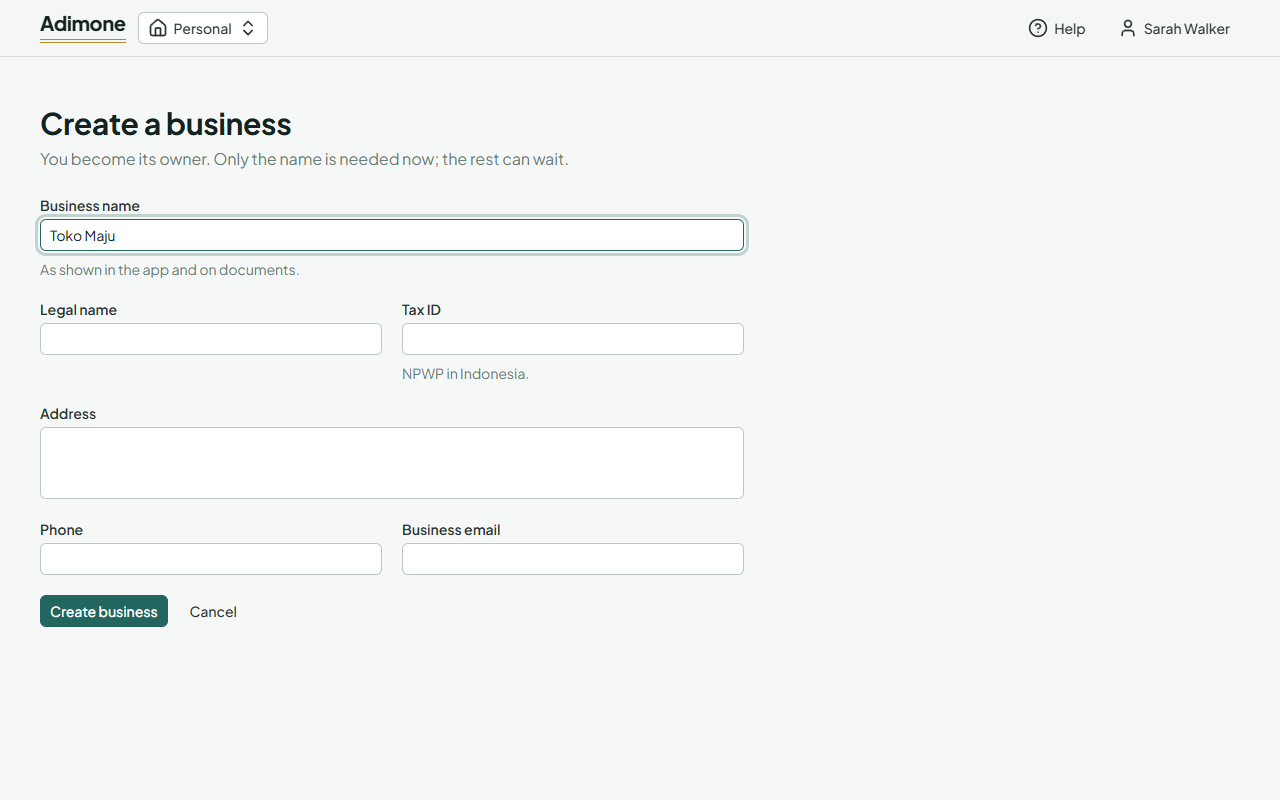
- Enter the business name as it should appear in the app and on documents. The legal name, tax ID (NPWP), address and contact details can wait.
- Choose Create business.
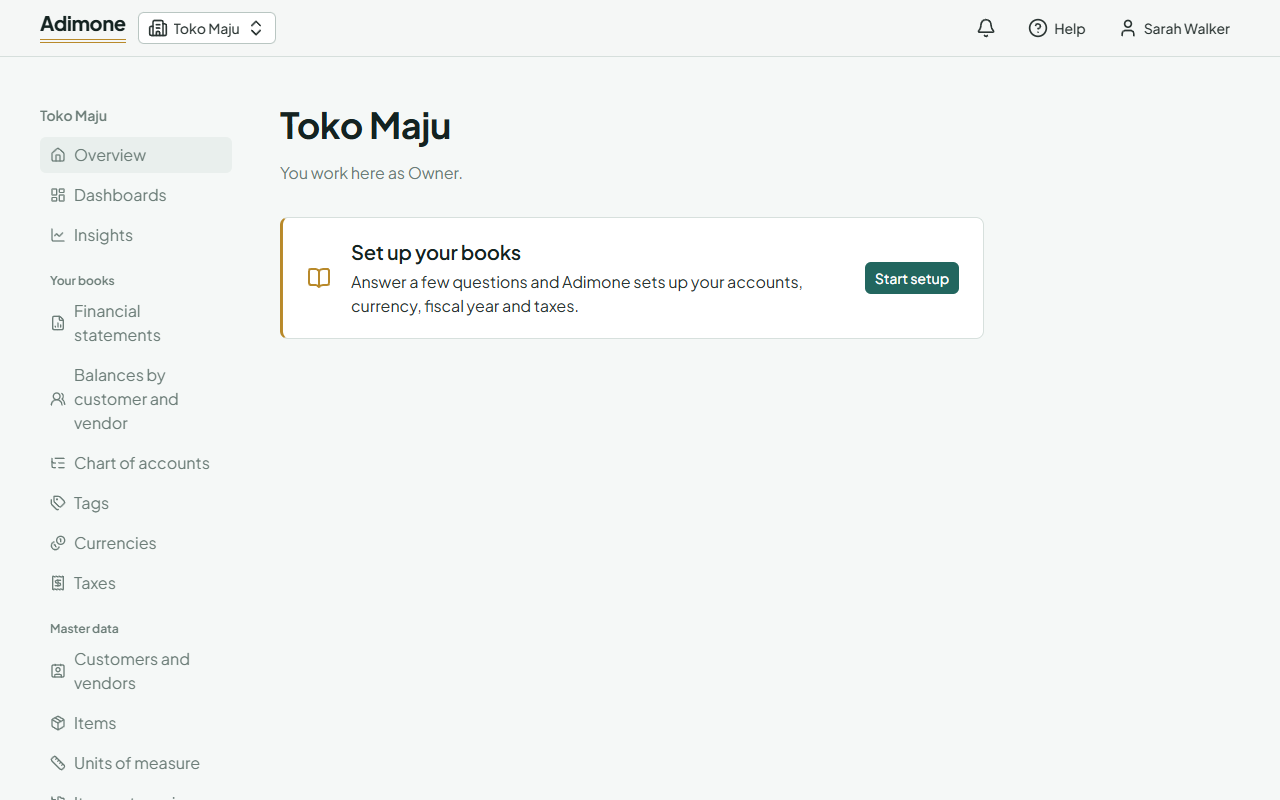
You're the business's owner, and it starts with a free trial (see Plans and billing).
Switch workspaces
Use the switcher next to the Adimone name at the top. It lists your personal space, every business you're a member of and your demo companies (marked with a flask). The menu on the left changes with the workspace: Overview, Members, Roles, Billing and Settings for a business. In your personal space it holds your personal finances: Accounts, Transactions, Recurring and Categories.
Business details
In a business, Settings holds the business details. Members whose role allows it can change them; everyone else sees them read-only.
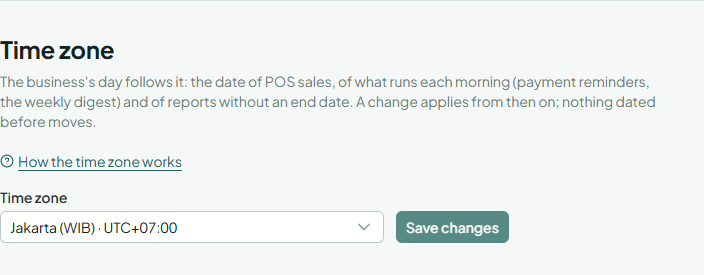
Time zone
Each business keeps its own time zone, so its day starts at midnight where it works, not where the server is. It decides:
- the date of a POS sale, a refund and a cash movement, so a sale at 05:00 on 1 January lands on 1 January;
- when the morning jobs run: payment reminders and the weekly digest go out from 08:00 in the business's time zone;
- the end date of reports and statements when you leave it empty, and the date new documents start with.
A new business starts in your own time zone when it's one of the country's (Jakarta, Pontianak, Makassar or Jayapura in Indonesia), otherwise in the country's main one (Jakarta). To change it, an owner or administrator opens Settings → Time zone, chooses the zone and saves. The change applies from then on: nothing already dated moves, and Undo can take it back.