
Set up your chart of accounts
Start from a template made for your kind of business, then add, rename, group or retire accounts.
The chart of accounts is the list of accounts your business records into: cash, bank, sales, rent and so on. Every amount Adimone records lands in one of them, and your reports add them up.
Start from a template
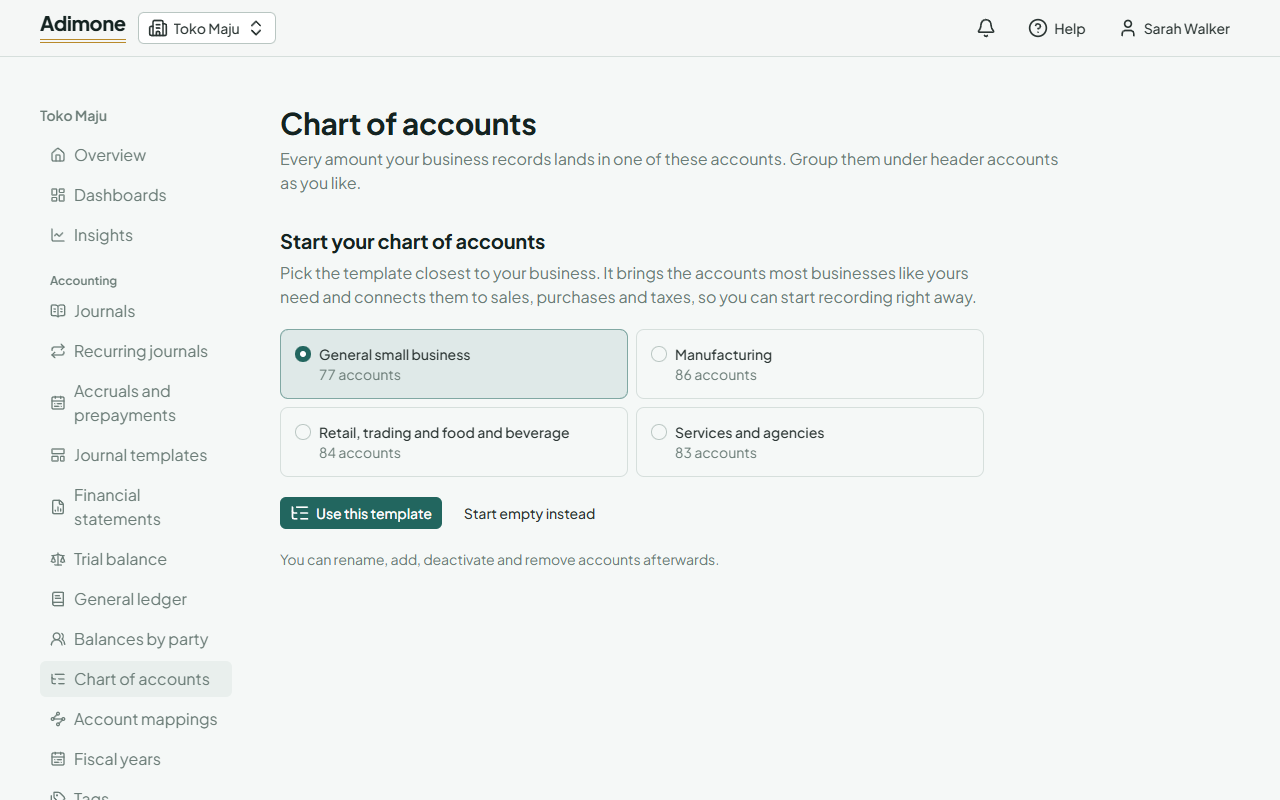
A new business starts with an empty chart. Open Chart of accounts and pick the template closest to your business:
| Template | For |
|---|---|
| General small business | Most small businesses. |
| Retail, trading and food and beverage | Shops, cafés and restaurants, with registers, card and e-wallet settlements, and shrinkage. |
| Services and agencies | Work billed to clients, with unbilled and deferred revenue. |
| Manufacturing | Making goods, with raw materials, work in progress and production costs. |
Choose Use this template. The accounts are added in the language you use the app in, and they're already connected to sales, purchases and taxes, so you can start recording right away. A template only fills an empty chart; to start by hand, choose Start empty instead.
Read the chart
Accounts are grouped by type (assets, liabilities, equity, income and expenses), each under the header accounts that group it. Headers are in bold and take no entries themselves.
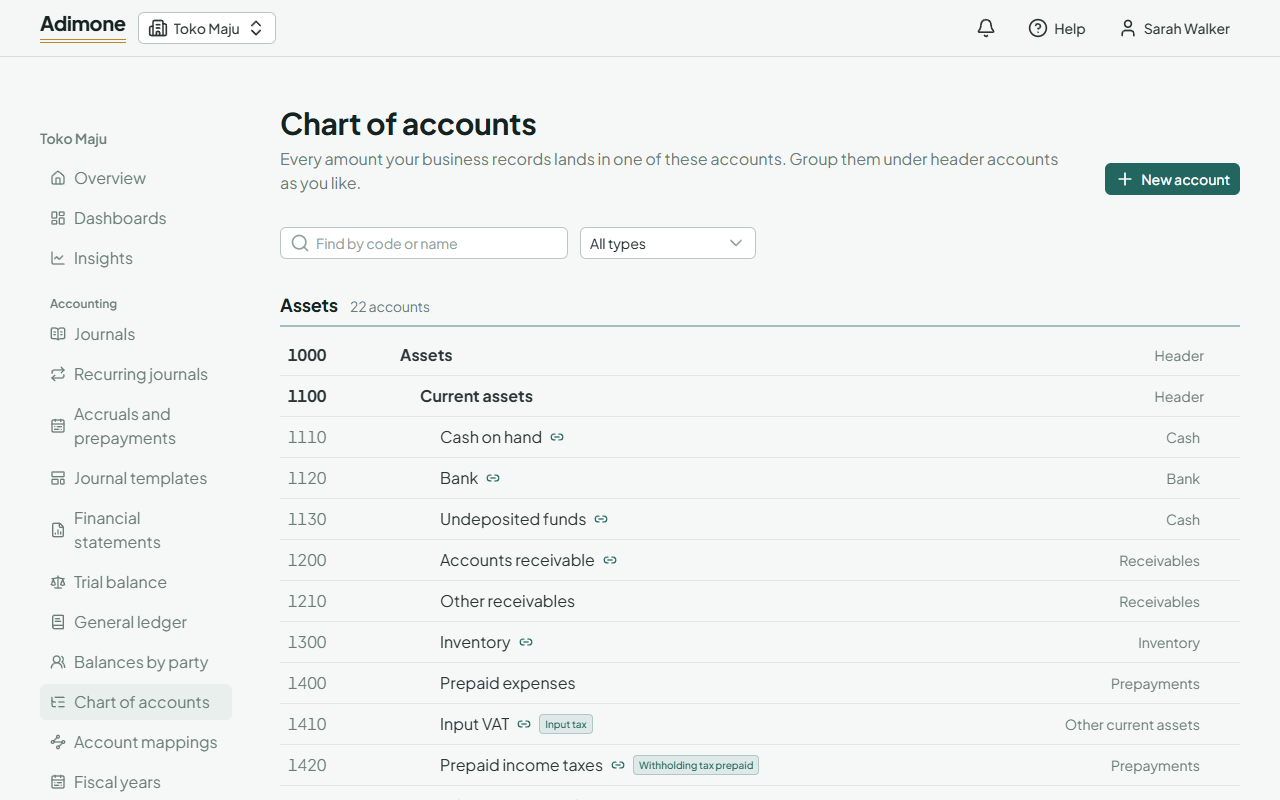
A link icon marks an account that sales, purchases or taxes post to automatically; point at it to see what for. Use Find by code or name and the type list to narrow the chart, and Show inactive to see retired accounts.
Add an account
- Choose New account, or the + next to a header to add one under it.
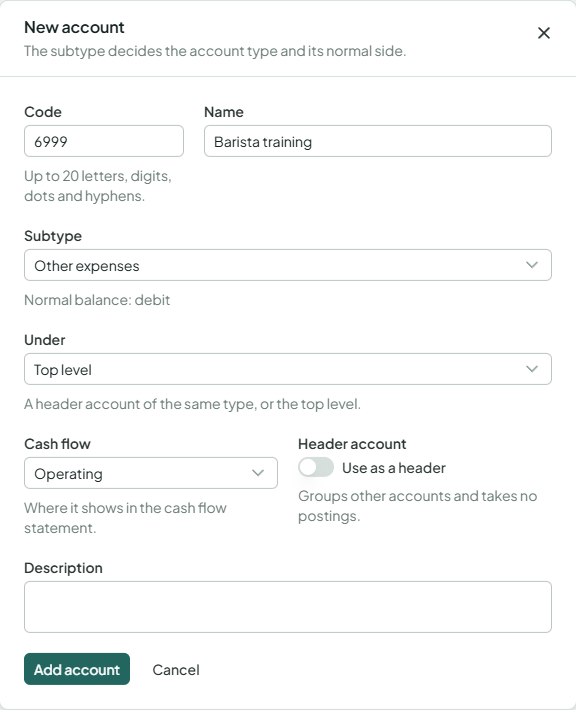
- Enter a Code (up to 20 letters, digits, dots and hyphens, unique in the chart) and a Name.
- Pick a Subtype. It decides the account type and its normal balance, and where it shows in the cash flow statement; change Cash flow only if your accountant asks.
- Under Under, choose the header account it belongs to, or Top level.
- For an expense account, choose its Cost behavior: Variable if it grows with sales, Fixed if it doesn't. The usual one for the subtype is marked; it's used by the break-even.
- Choose Add account.
Interest on loans has its own subtype, Interest expense, so the interest coverage ratio can find it. A chart started before it existed keeps interest under other expenses; open that account and change its subtype to use the ratio.
Turn on Use as a header to make an account that groups others. A header with accounts under it stays a header.
Change, deactivate or remove an account
Choose an account to open it. You can change its code, name, subtype, header and description at any time.
- Deactivate retires an account: existing entries keep it, new ones can't use it. Reactivate brings it back. An account can be deactivated once the accounts under it are inactive.
- Remove deletes an account that has no entries, and its code becomes free again. An account with entries can only be deactivated.