
Balances by party
See what each customer owes and what you owe each vendor, account by account, and follow one party through the reports.
Invoices, credit notes, receipts, write-offs and refunds post to your receivable account with the customer named on the line; bills and payments will do the same on the payable account for vendors. Balances by party adds those lines up per customer or vendor, so the receivable account's balance splits into who owes it.
Read the balances by party
- Open Balances by party in Accounting, or choose it from the trial balance.
- Pick the dates as in the trial balance. Under Account, pick one account to see only that one.
- Each account lists its customers or vendors with their Opening balance, the Debit and Credit posted in the range, and the Closing balance, then the Account total.
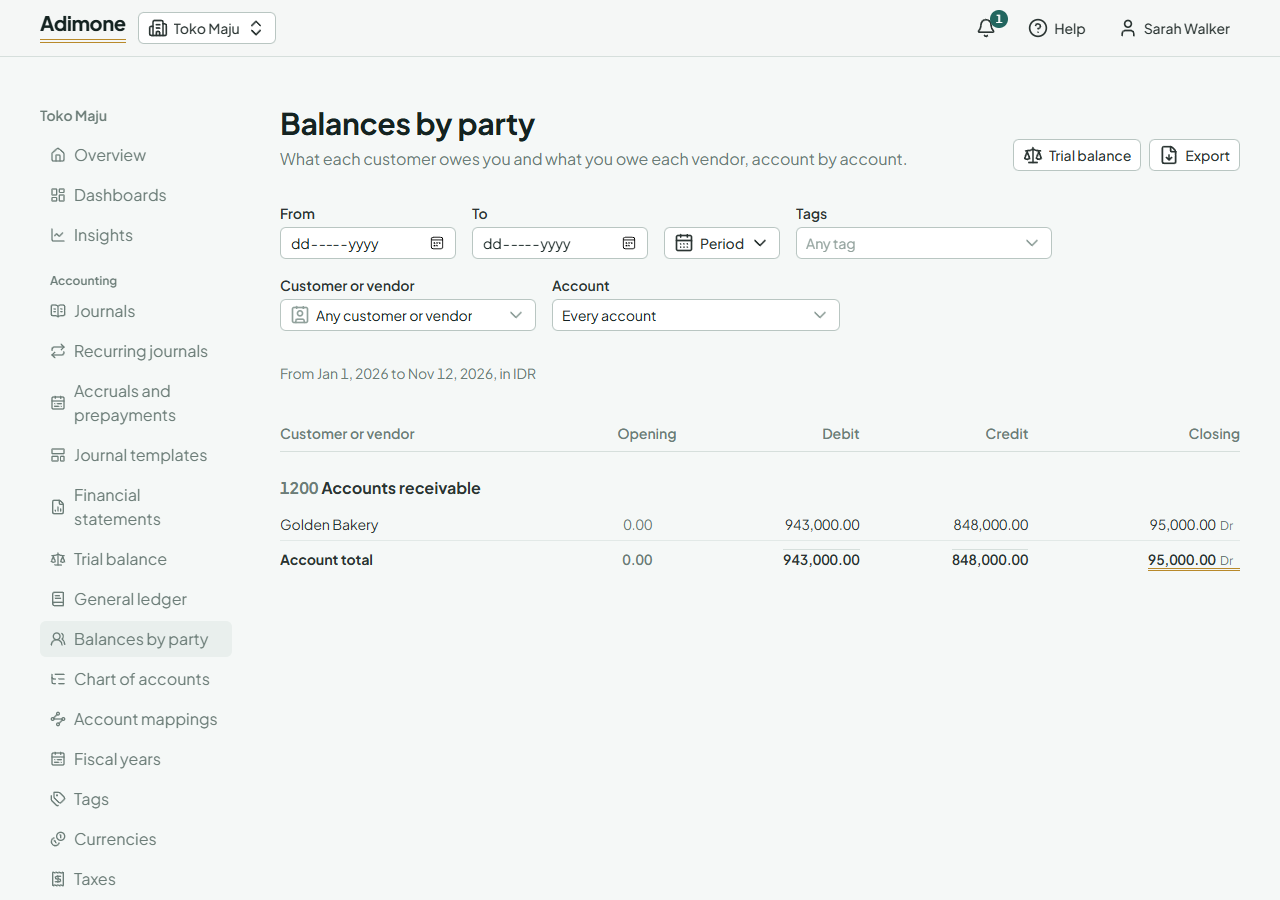
Balances are marked Dr for a debit balance and Cr for a credit balance. On a receivable account a debit balance is what the customer owes you; a credit balance is money they paid in advance.
Not assigned to anyone is what posted to the account without a customer or vendor, such as a journal that didn't pick one. Open the account's general ledger to find those lines, and correct them with a journal that names the party.
Choose a customer's or vendor's name to see their lines in the general ledger. If you can't see customers or vendors, their names show as Hidden customer or vendor, with their amounts.
Filter any report by customer or vendor
The trial balance, the general ledger and account activity take a Customer or vendor filter. With one picked, only the receivable and payable lines naming them count. The trial balance then doesn't balance, and says so: it shows that party's part of your books, not a complete set.
Compare with the aging
The receivables aging adds up open documents; balances by party add up the ledger. They agree unless a journal named the customer on the receivable account, or an amount was revalued. Use both to find such differences.
Export the report
Choose Export to save balances by party as a PDF, an Excel workbook or a CSV file (Export reports).