
Data retention and background jobs
See what the nightly maintenance removes, change a policy, release a held mark, record a backup, and look after background jobs.
Operators and superadmins look after the work Adimone does in the background: removing data that is no longer needed, and the jobs that send emails, renew subscriptions and check payments.
Data retention
Every night, in the four hours after the Maintenance hour setting, each retention policy marks the rows older than its age, and the next night's run deletes what was marked. Open Maintenance in the admin console to see every policy: what it removes, whether it is on, how long it keeps data, and its latest run.
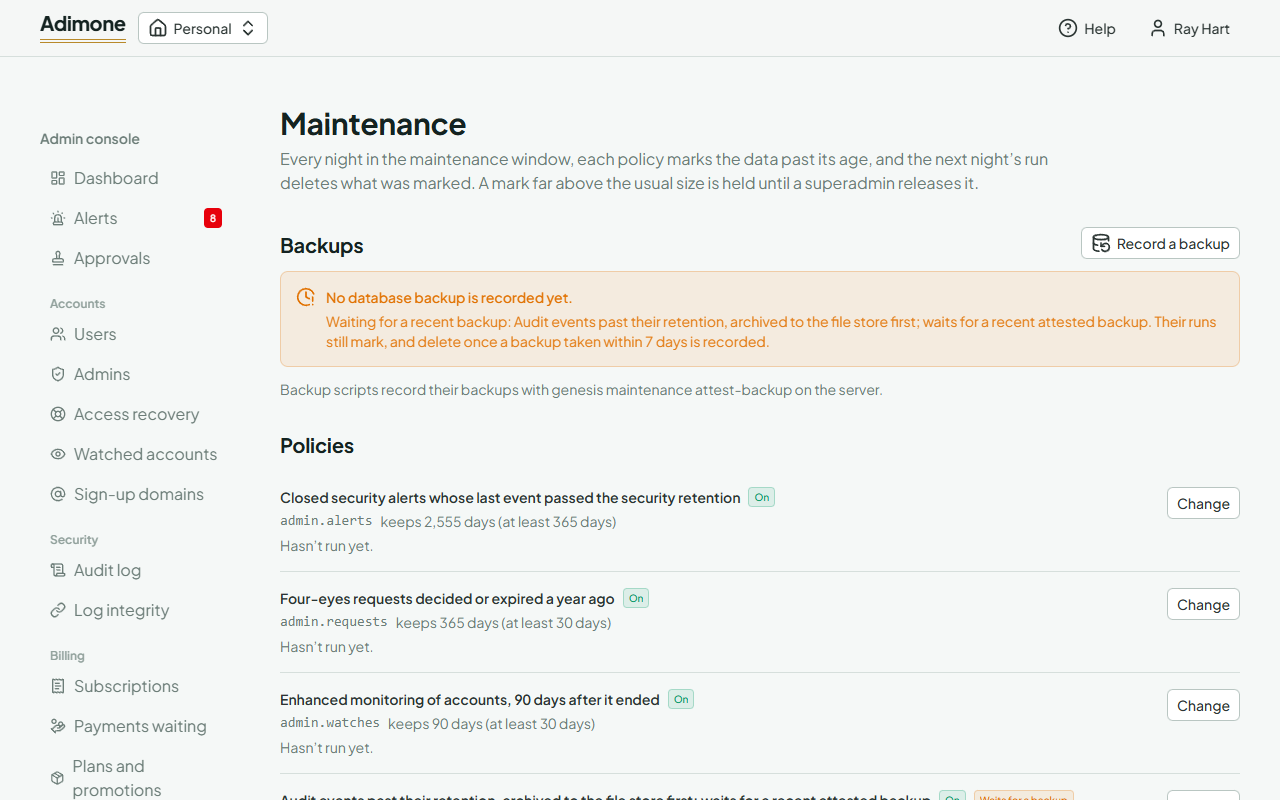
Superadmins choose Change on a policy to:
- set its mode: On, Marks only (counts what would go without deleting anything, useful to check a change first), Off, or back to its Default;
- keep data longer, or shorter down to the policy's minimum, which protects data the law or the product still needs.
The database upkeep (statistics, and on SQLite optimizing and compacting the file) has a mode only.
Backups
Backups at the top of the page shows the latest database backup recorded and the last few. The audit log's old events are archived and then deleted only while a backup taken within the last 7 days is recorded, so what is deleted is also in a backup. Without one, the page says the policy Waits for a backup: its runs keep marking and delete once a backup is recorded.
The server's backup script usually records each backup by itself. When a backup is taken some other way, for example a hosting provider's automatic snapshot, a superadmin chooses Record a backup, enters when it was taken and, optionally, a note such as the snapshot's name. Record a backup only after checking that it exists and finished.
A held mark
When a run marks far more rows than usual, the circuit breaker holds the mark instead of letting the next run delete it, and security admins get an alert. The page shows Held on the policy. Check whether the number makes sense (for example, many sessions ending after a busy day), then choose Release so the next run deletes them. If it doesn't make sense, switch the policy Off and look into it.
Runs at the bottom lists the latest runs, of every policy or one you choose: when each ran, how many rows it marked and deleted, and any error.
Background jobs
Open Jobs to see how many jobs are pending, running, failed, done or canceled; choose a count to list those jobs, and Kind to narrow them to one kind. The page refreshes every 30 seconds.
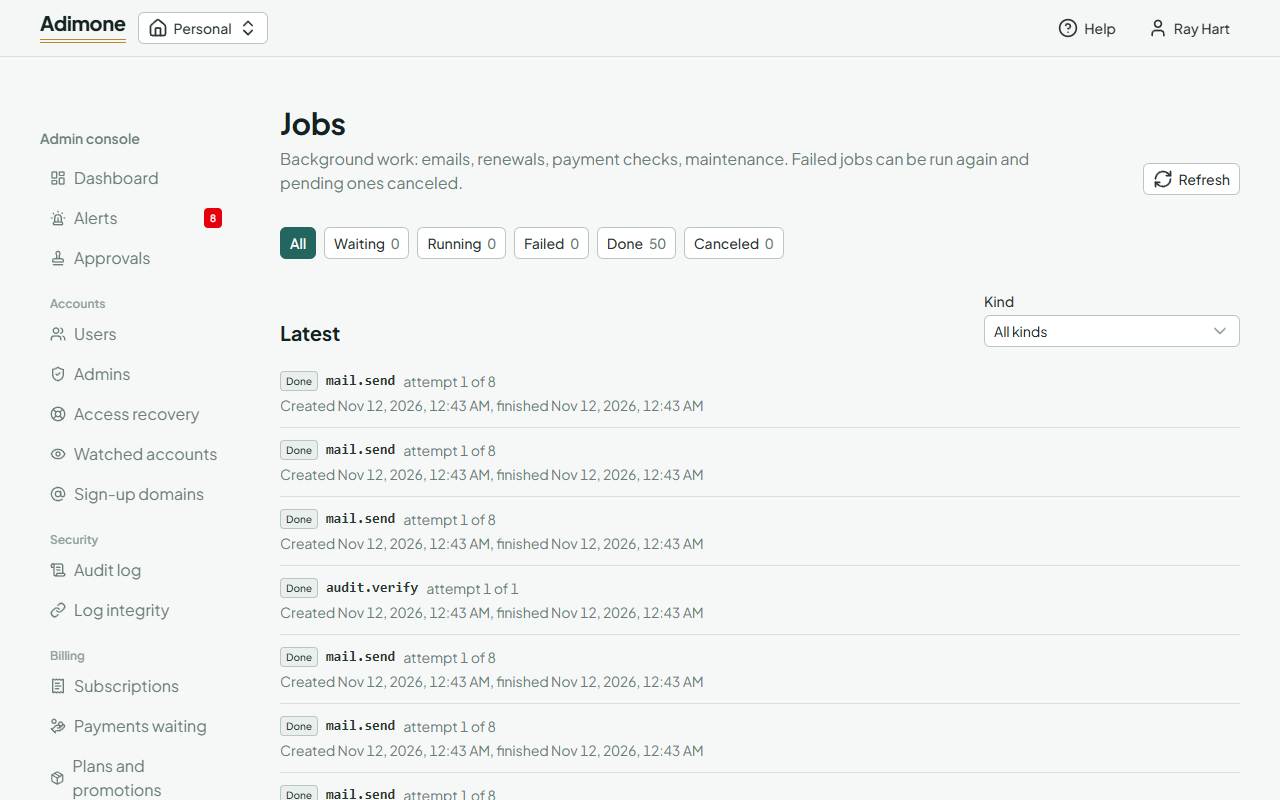
- A failed or canceled job can be started again with Run again, from its first attempt, for example after fixing the mail server it couldn't reach.
- A pending job can be canceled with Cancel so it never runs. A job that is already running isn't stopped.
Job kinds lists every kind this server runs. Pause a kind to stop every server from starting its jobs, for example while a payment gateway has an outage; pending jobs wait, running ones finish, and security admins get an alert. Resume lets the waiting jobs run. Each action asks for a reason, which is kept in the audit log.