Help and secure user accounts
Find an account, sign it out, lock or ban it, reset its two-step verification, watch it or delete it.
Go to Users in the admin console. Type an email address and choose Find, or list the accounts by Status. Choose a name to open the account.
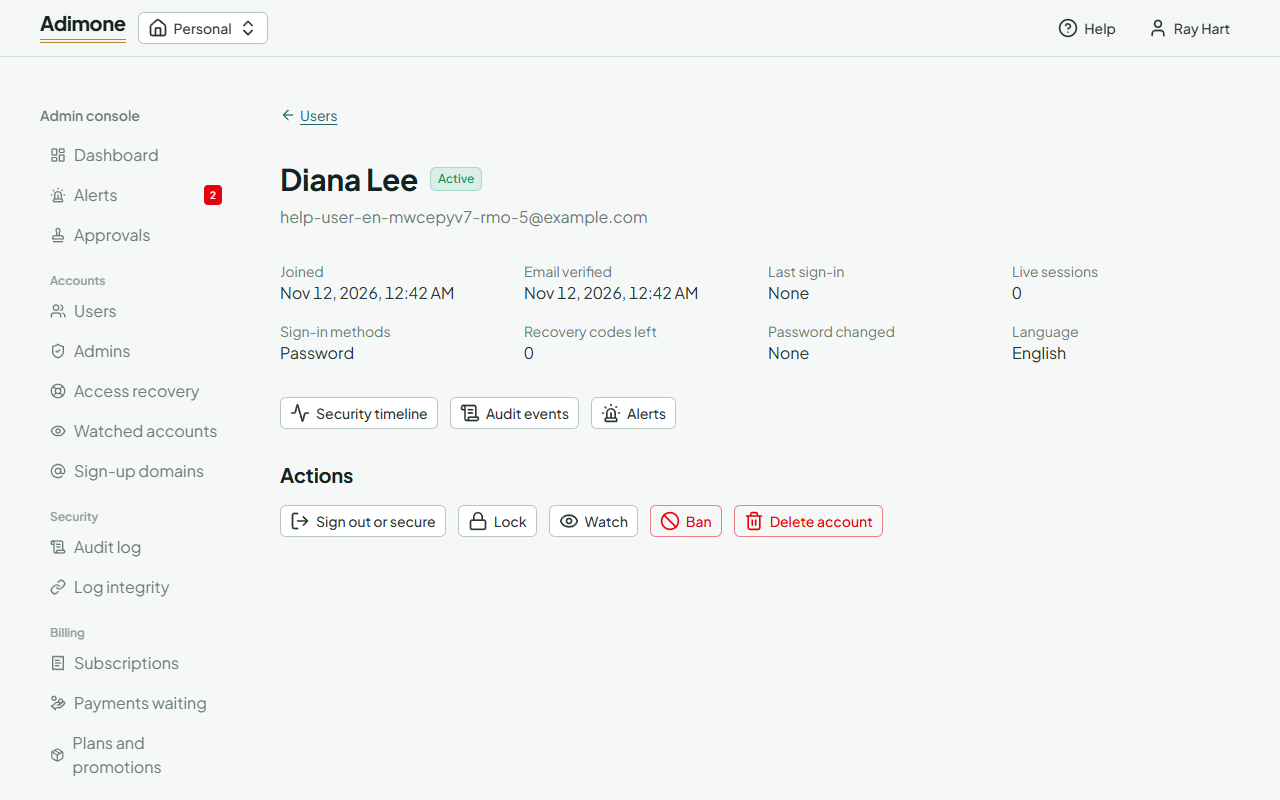
The page shows when the account joined and was last used, how it signs in, its live sessions and what it must do at its next sign-in. It never shows the account's businesses or their books. Every action asks for a reason, which is kept in the audit log.
Resend the sign-up link
Support and billing admins can choose Resend the sign-up link for an account that never finished signing up.
Sign out or secure an account
Choose Sign out or secure, then:
- Sign it out everywhere when a device was lost;
- Sign it out and make it confirm its linked account again for accounts that sign in with Google;
- Account compromised when someone else may have got in: it also requires a new password and cancels pending email changes and reset links. Tick the boxes to remove its second factors or require two-step verification.
The user gets an email about it.
Lock, ban or reset two-step verification
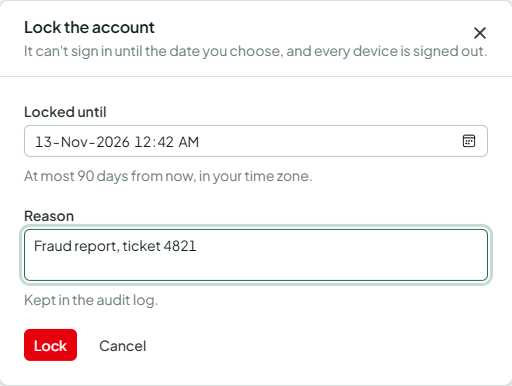
- Lock keeps the account out until the date you choose (at most 90 days) and signs it out. Unlock lifts the lock, and also the lock that follows too many failed sign-ins.
- Ban keeps it out until you choose Unban.
- Reset two-step verification removes the authenticator app, passkeys and recovery codes, for a user who lost them all. Make sure who you are talking to first; never ask for their password.
Watch an account
Watch logs every request of the account one by one for the hours you choose (at most 30 days), for example while you look into a report. The user isn't told. Stop watching ends it early. Watched accounts in the console lists the accounts being watched and why.
Look into an account
Security admins and auditors open an account's Security timeline (its sessions, addresses and events; see Read an account's security timeline), its Audit events and its Alerts from the buttons under its details.
Delete an account
Superadmins can choose Delete account. The account is anonymised; each business it owns goes to its longest-standing administrator, or stays read-only without an owner. With a second superadmin, the deletion waits for their approval. An account that holds an admin role loses the role first.
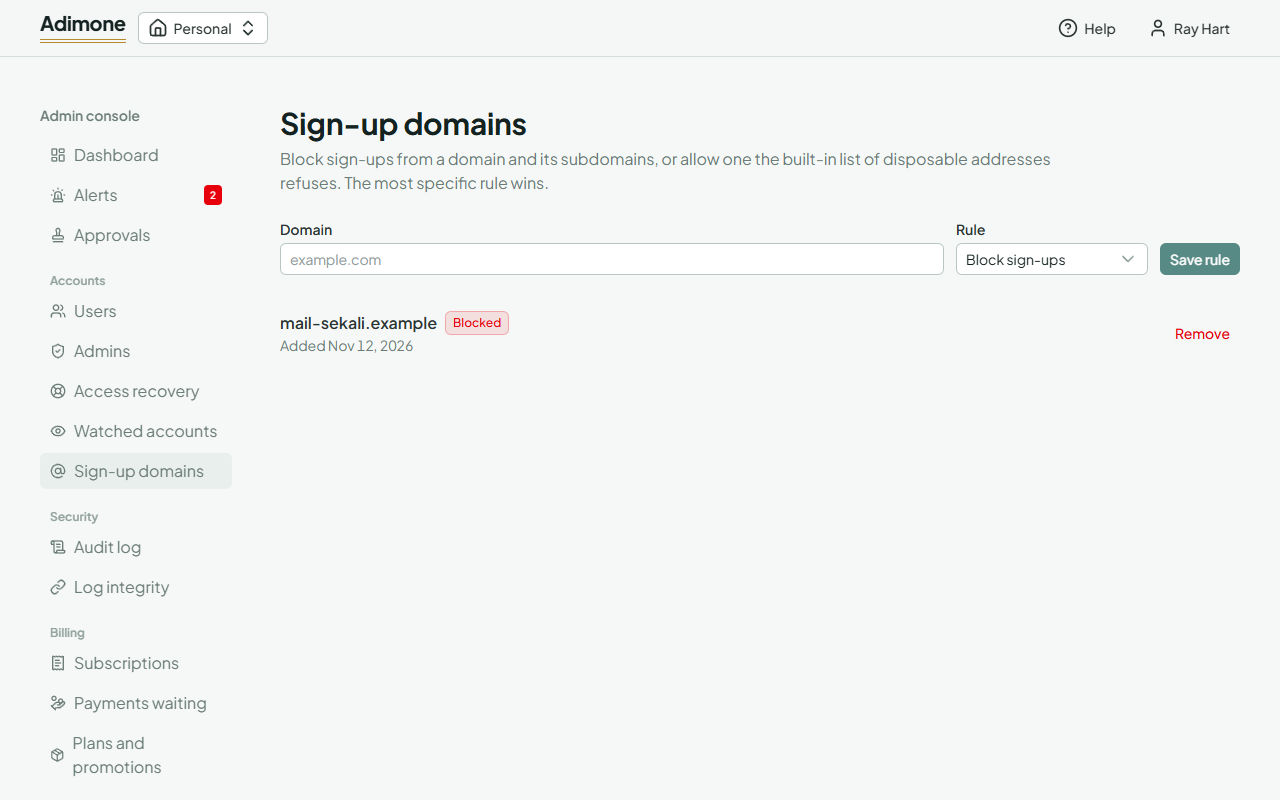
Sign-up domains
Security admins decide on Sign-up domains which email domains can sign up. Block sign-ups refuses a domain and its subdomains; Allow sign-ups accepts a domain that the built-in list of disposable addresses would refuse. The most specific rule wins, and Remove goes back to the built-in list.