
Recurring invoices and bills
Set up an invoice you send or a bill you get every month, quarter or year once, and have a new one made on each date, as a draft or posted.
A recurring invoice makes the same invoice on a schedule: a monthly retainer, rent you charge a tenant, a yearly maintenance contract. A recurring bill does the same for what a vendor bills you every month, such as your internet or the shop's rent. On each date a new invoice or bill is made from the template, as a draft for someone to check or posted straight away. Recurring invoices and bills come with the Starter and Growth plans.
Set one up
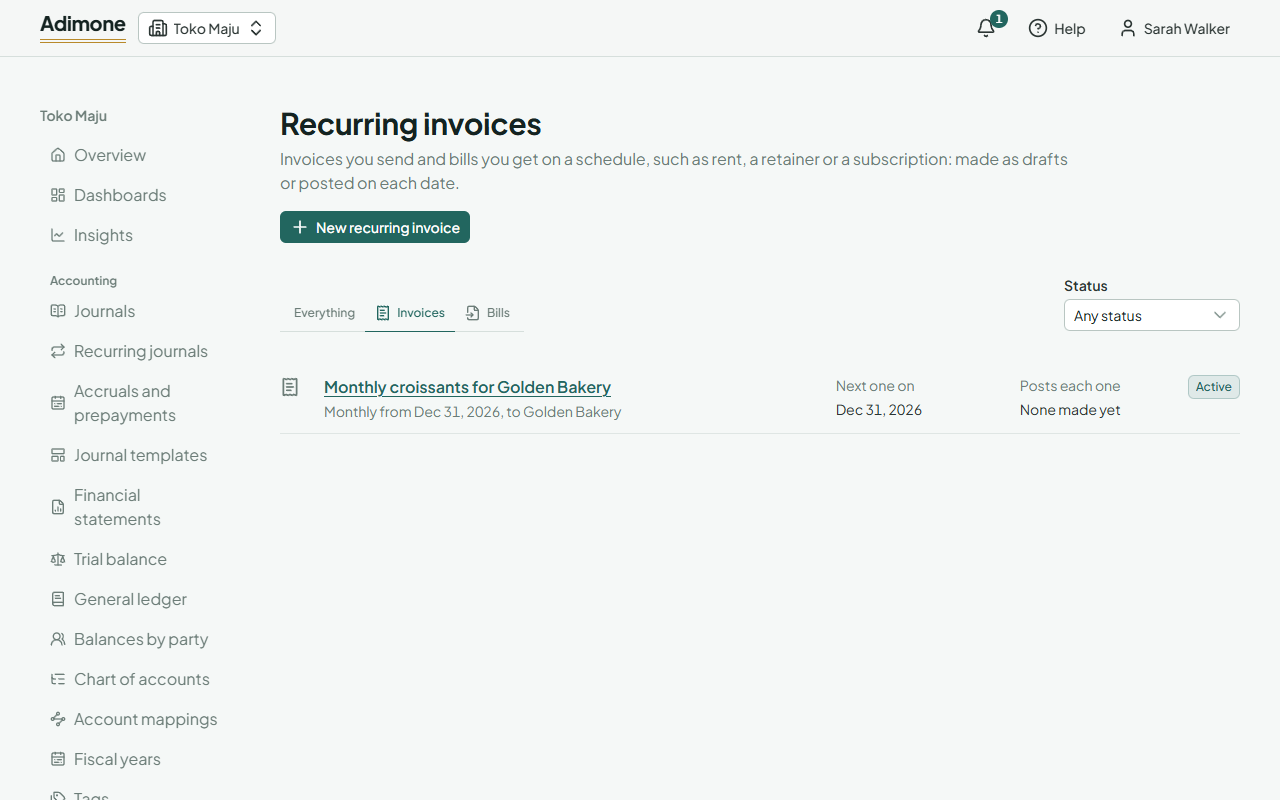
- Open Recurring invoices under Sales, or Recurring bills under Purchasing, and choose New recurring invoice (or New recurring bill).
- Give it a Name you'll recognise it by. Each document still gets its own number.
- Under Schedule, pick how often it Repeats (monthly, quarterly or yearly) and the date of the First invoice on (or First bill on). Later ones fall on the same day of the month, or on a shorter month's last day, so a schedule starting on January 31 makes documents on February 28 and March 31.
- Choose when it Ends: Never, On a date, or After a number of documents.
- For On each date, choose Post it to put each document straight into the books, or Save a draft to have someone check and post it.
- Under Each invoice (or Each bill), pick the customer (or vendor) and enter the lines as on an invoice or a bill. Each document is dated on its day and falls due by the customer's or vendor's payment term.
- Choose Set it up.
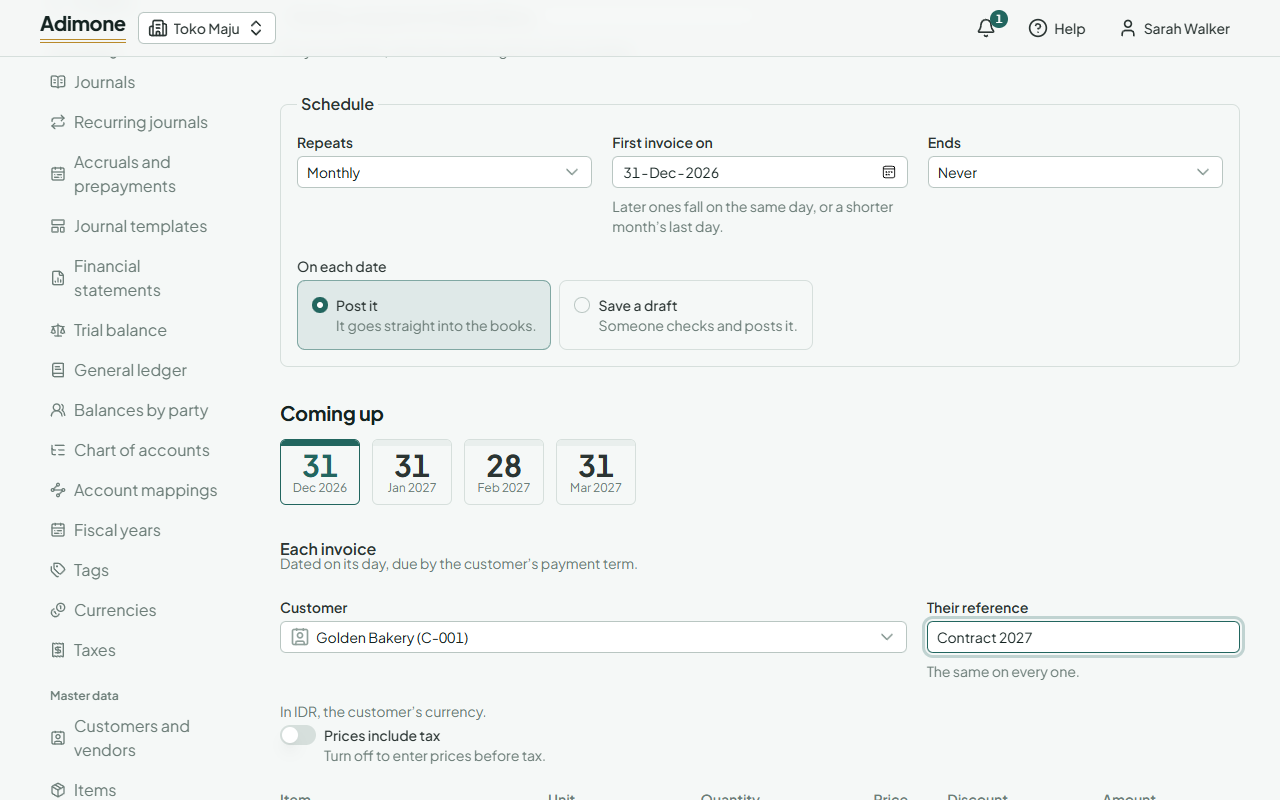
Coming up shows the next dates as the schedule stands, even before you save a change. Leave a price empty and it's looked up on each document's date, so a new price list applies by itself; a price you type stays the same on every document. A recurring bill lists services and items you don't keep in stock: stock is billed from its goods receipts.
Whose name they are made in
Each document is made in the name of whoever last set up, changed or resumed the schedule, and with what that person may do on the day it runs. So that person needs permission to prepare invoices (or bills), to post them if the schedule posts, and to see the prices. If they leave the business or lose that permission, the schedule stops with the reason; someone who has it resumes it and runs it from then on.
If the owner's checks and balances block posting your own documents, a schedule that posts stops at its first document, because the person it runs as also prepared it. Choose Save a draft instead, and have someone else post each one.
Pause, resume or delete
- Pause stops it; nothing is made while it's paused.
- Resume starts it again. Dates it missed while paused are made at the next hourly run, up to 24 documents a run; any left over follow an hour later.
- Delete stops it for good. The invoices or bills it already made stay; void them one by one if they were wrong.
Once it has made a document, its start date and frequency are fixed. To change the schedule, delete it and set up a new one. You can still change its name, end, the way it makes documents and everything in the template.
When a run fails
If a document can't be made, for example because the customer has been deactivated or the month is closed, the schedule shows Needs attention with the reason and stops, and the person it runs as gets an email. Fix the cause and choose Resume: that date is tried again, and any dates missed since are made too.
If the document was made but couldn't be posted, it's kept as a draft and the schedule links to it with Open the draft. Post it or delete it yourself; resuming goes on with the next date.
On a plan without recurring invoices and bills, nothing is made and you can't set up new ones; the ones you have stay readable, and you can still pause or delete them.