
Set up registers
A register for each cash drawer, the accounts its cash and payments go to, what it sells with, and how many your plan allows.
A register is a till or counter with its own cash drawer. Cashiers open a shift on it at the start of the day and close it at the end. In your books, the drawer is a cash account: every sale paid in cash, every pay-in and pay-out, and every deposit moves money in or out of it.
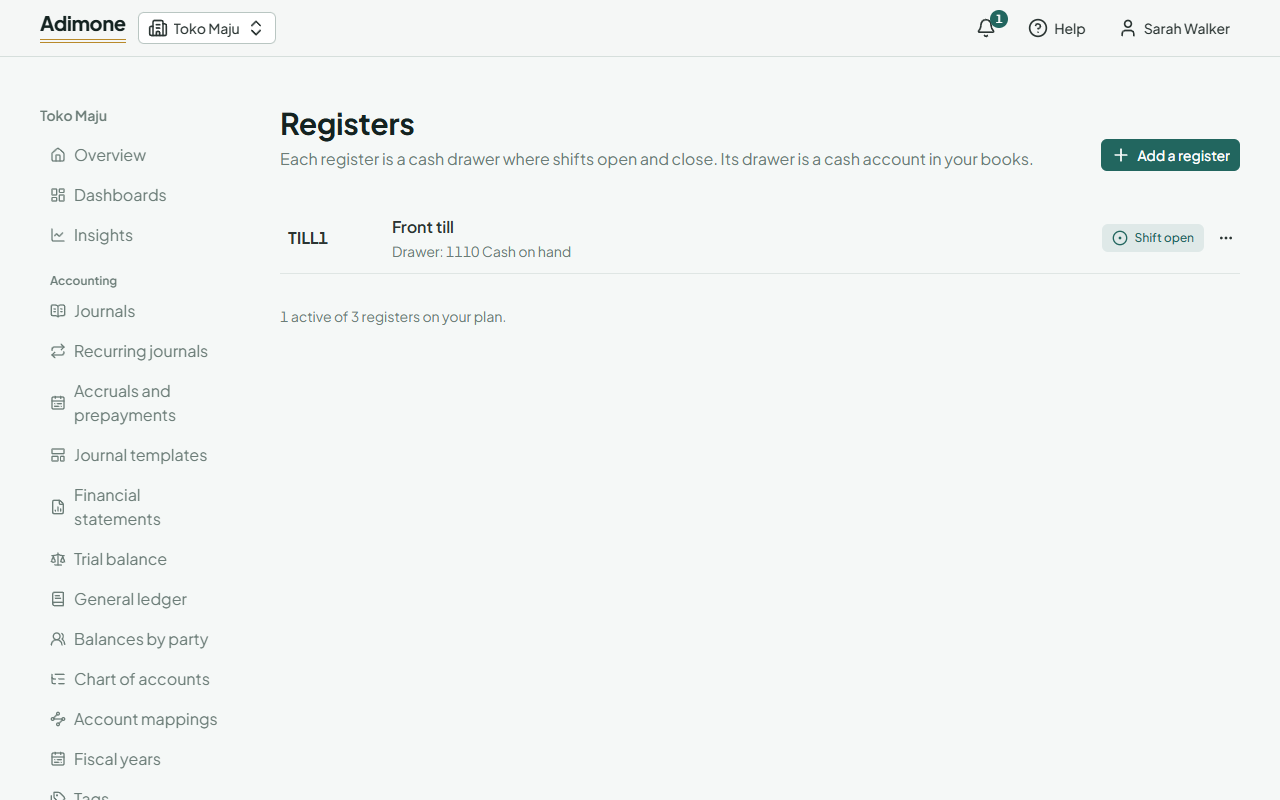
Add a register
- In Point of sale, open Registers and choose Add a register.
- Enter a short Code, like TILL1, and a Name. Sales and receipts are numbered after the code, so it can't change once the register had a shift.
- Pick the Drawer account: a cash account, best one of its own for each register (add one in the chart of accounts first, such as 1102 Cash drawer, front till).
- Pick where Deposits go to: the safe or the bank account cash goes to when a shift closes.
- Choose Add the register.
Adding and changing registers takes the permission to manage them, which the Owner, Administrators and the Accountant role hold (What each role sees).
What it sells with
Under Selling:
- Warehouse: where the stock of its sales leaves from. Empty: your default warehouse.
- Price list: a sales price list in your base currency. A customer with their own list still gets theirs; empty: the items' own prices.
- Card payments go to, E-wallet and QR payments go to, Transfers go to: the bank or clearing account for each way of paying. Leave one empty and the register doesn't take that payment. Cash always goes to the drawer.
Variance tolerance
When a shift closes, the cash counted rarely matches the books to the last coin. A variance tolerance lets small differences post at once, over or short, without waiting for someone to approve them. Leave it empty and every difference waits (Cash over and short). Only someone who approves variances can set it, since it approves them in advance.
Deactivate or delete
- Deactivate a register you no longer use. It keeps its shifts and history. A register with an open shift stays active until the shift closes.
- Delete works only for a register that never had a shift.
Each register's menu also lists its shifts and opens its change history. While its drawer still holds cash in the books, its drawer account stays; deposit the cash at a closing before moving the register to another account.
How many registers your plan allows
The Free and Starter plans have one active register; Growth has three, and you can add more as an add-on. The page shows how many are active against your plan. After moving to a smaller plan, no shift opens until you deactivate the extra registers or change plan back. A business has at most 100 registers in all.