
Receive goods from vendors
Receive an issued purchase order in full or in part, note lots, expiry dates and serial numbers, post the goods receipt, void it, and close what won't come.
A goods receipt records goods arriving from a vendor. Posting it brings the stock into the warehouse, counts the goods on their purchase order and issues the goods receipt you can print or send the vendor. The warehouse counts goods: it never sees prices.
Receive an order
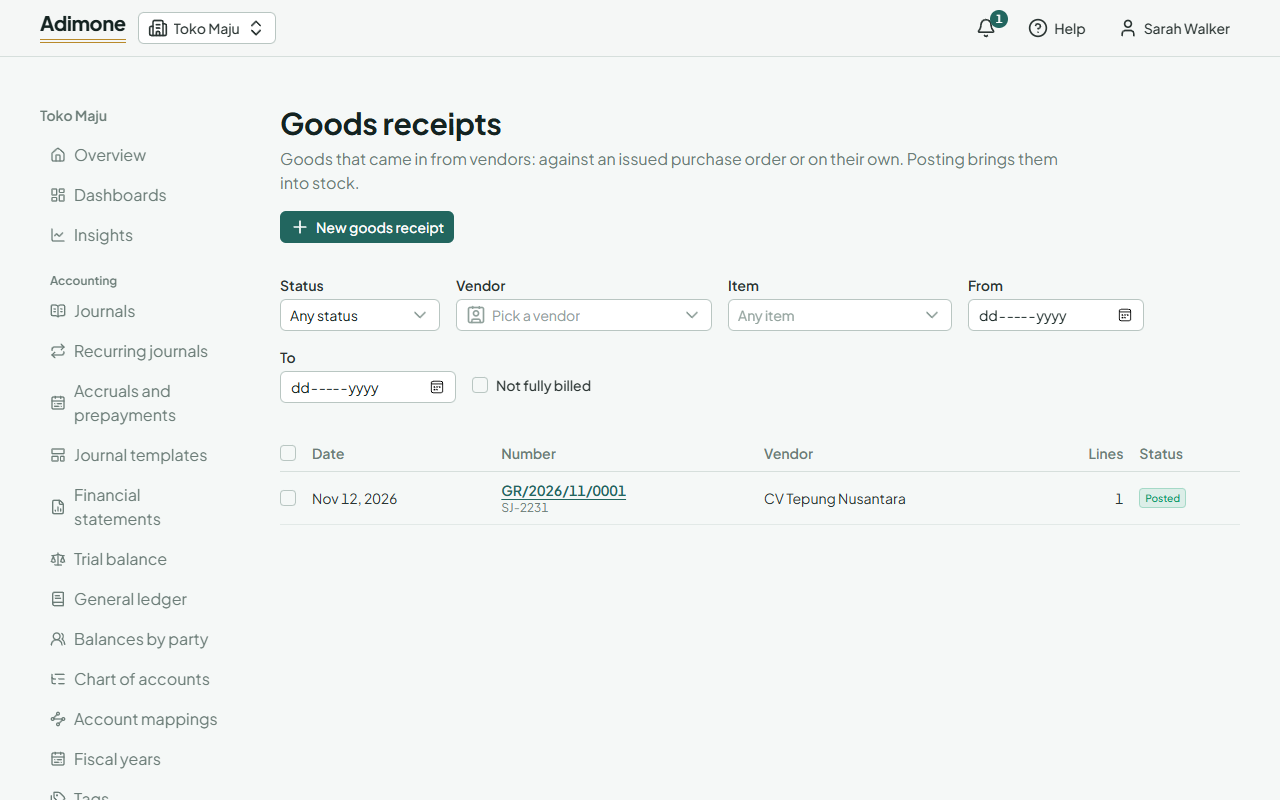
- Open an issued purchase order and choose Receive goods. Or, in Purchasing, open Goods receipts, choose New goods receipt, pick the order under Receive an order and choose Receive its goods.
- A draft opens with everything still to come of the order. Each line shows what was ordered and what is left. Change a quantity to what actually arrived, and remove a line that didn't come; Add a line of the order puts it back.
- Add other items that came along on empty lines: they are received without being on the order.
- Enter the Reference, such as the vendor's delivery note number, and check the Receipt date: the goods come into stock on that day.
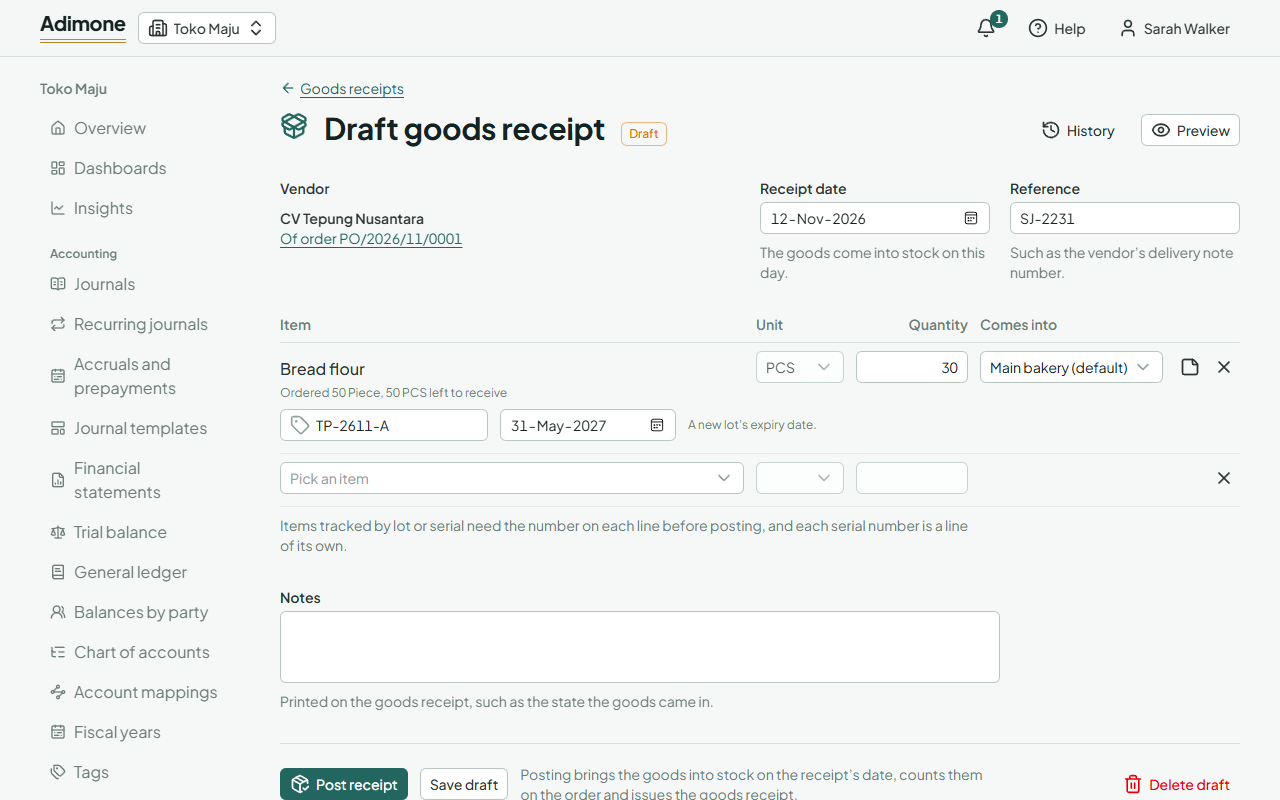
When the business has more than one warehouse, each line has Comes into: the default warehouse unless you pick another. Services and items not kept in stock come into none.
Lots, expiry dates and serial numbers
Items tracked by lot or serial number need the number on each line before the receipt is posted.
- Lot: enter the vendor's lot number and, for a new lot, its expiry date. Goods of two lots are two lines.
- Serial number: each serial is a line of one unit. For a line of several units, choose One line per serial and enter each number.
Check and post
Choose Save draft to finish later, or Post receipt. Posting brings the goods into stock on the receipt's date. The receipt gets its number and its PDF, and can't change afterwards.
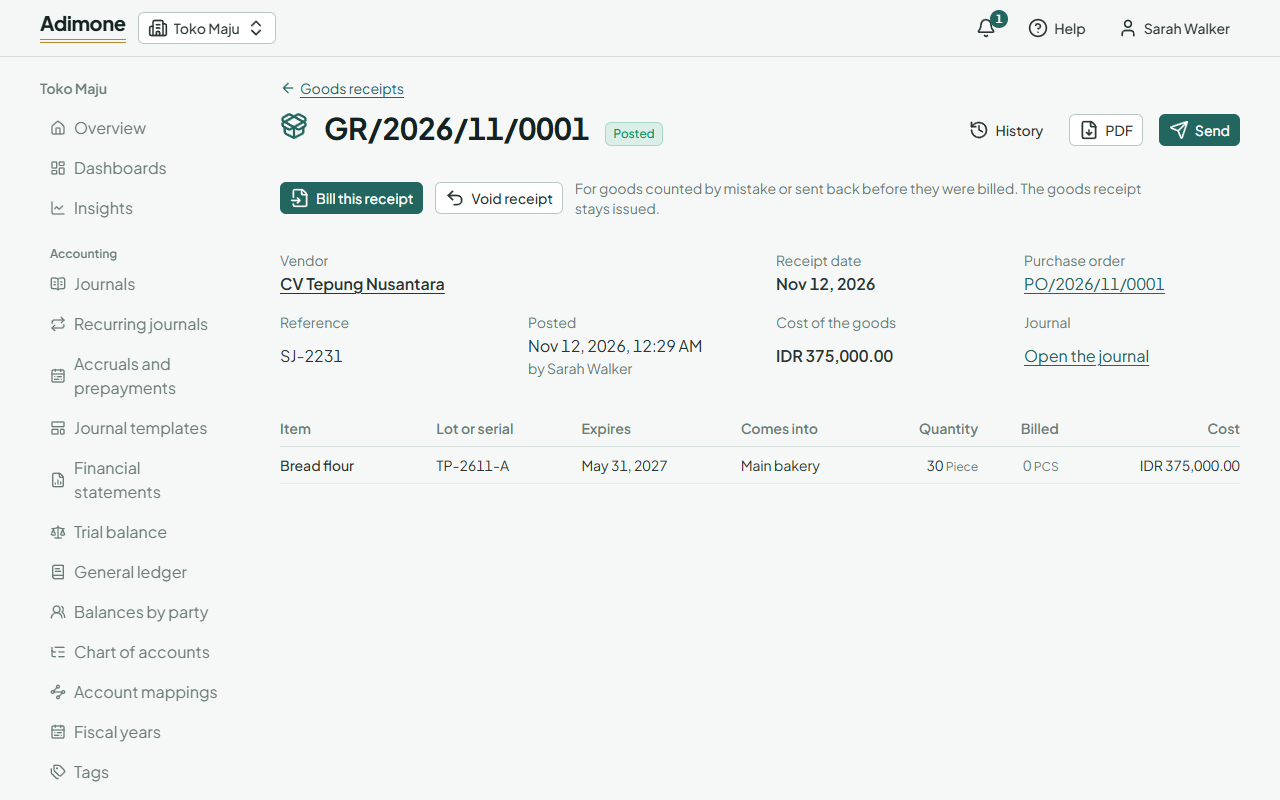
- PDF opens the goods receipt to print or download; Send emails it or makes a link to it (Send documents).
- Those who see purchase prices see what the goods cost: the order's price, converted at the receipt day's rate. Goods without an order cost the vendor's price, else the item's purchase price. The vendor's bill corrects the cost to what they charge.
- The goods appear in each item's moves, linked back to the receipt.
Goods without an order
In Goods receipts, choose New goods receipt and fill in the part under Or receive goods without an order: pick the vendor, add the items and post it as above. Receiving without an order needs someone who sees vendors, such as purchasing; the warehouse receives against orders.
Follow an order's receipts
An issued order shows how much of each line was received, in the item's base unit, and whether it is partly or fully received. See its goods receipts lists them.
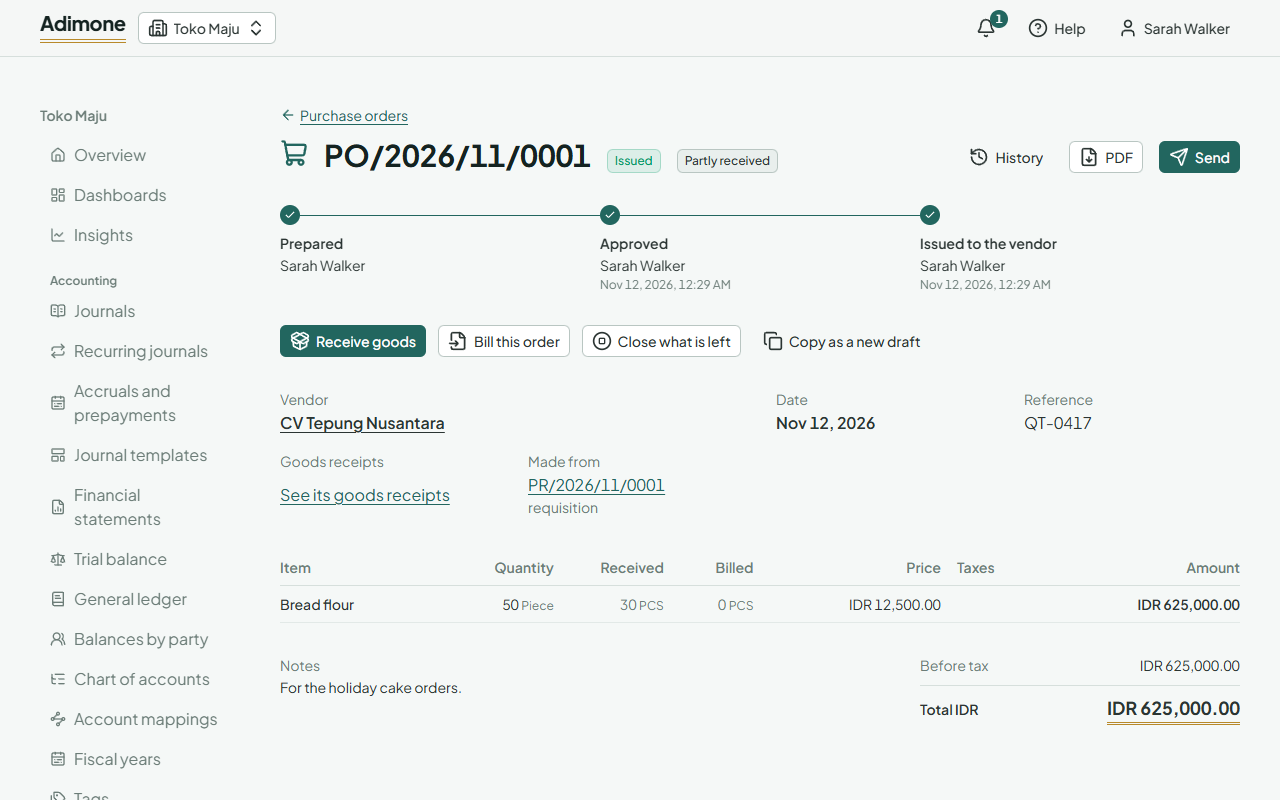
When the rest of a partly received order won't come, choose Close what is left on the order and give the reason. The order takes no more receipts. An order goods were received against can't be cancelled; close what is left instead.
Void a receipt
For goods counted by mistake, or sent back before the vendor billed them, open the posted receipt and choose Void receipt. Pick the day the goods leave stock again (the receipt's own day or later) and give the reason. The goods go back out of stock, the order counts them as not received, and the goods receipt stays issued, marked voided. The owner's review list shows every void. A receipt a vendor bill bills can't be voided: void the bill first.